
How it works
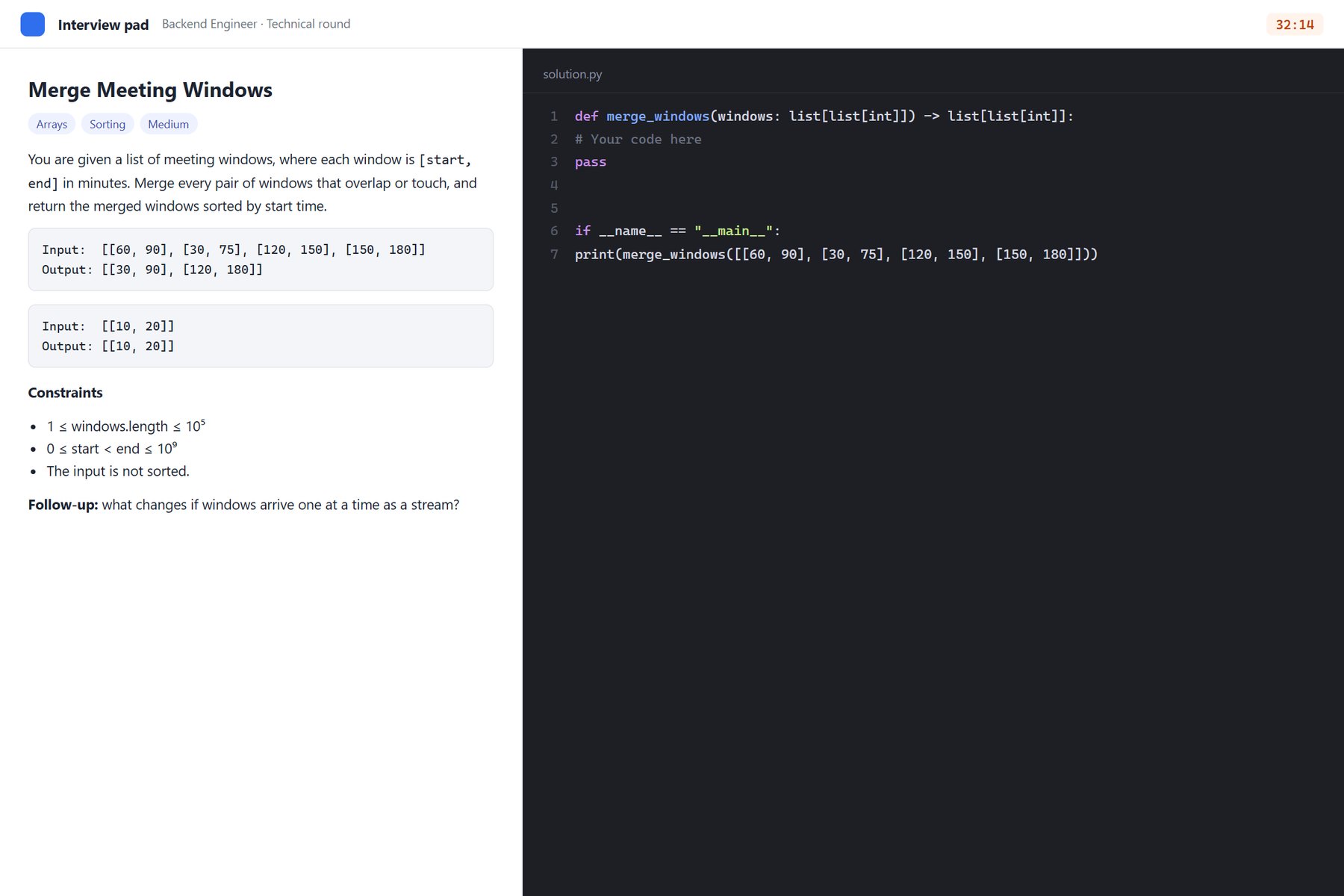
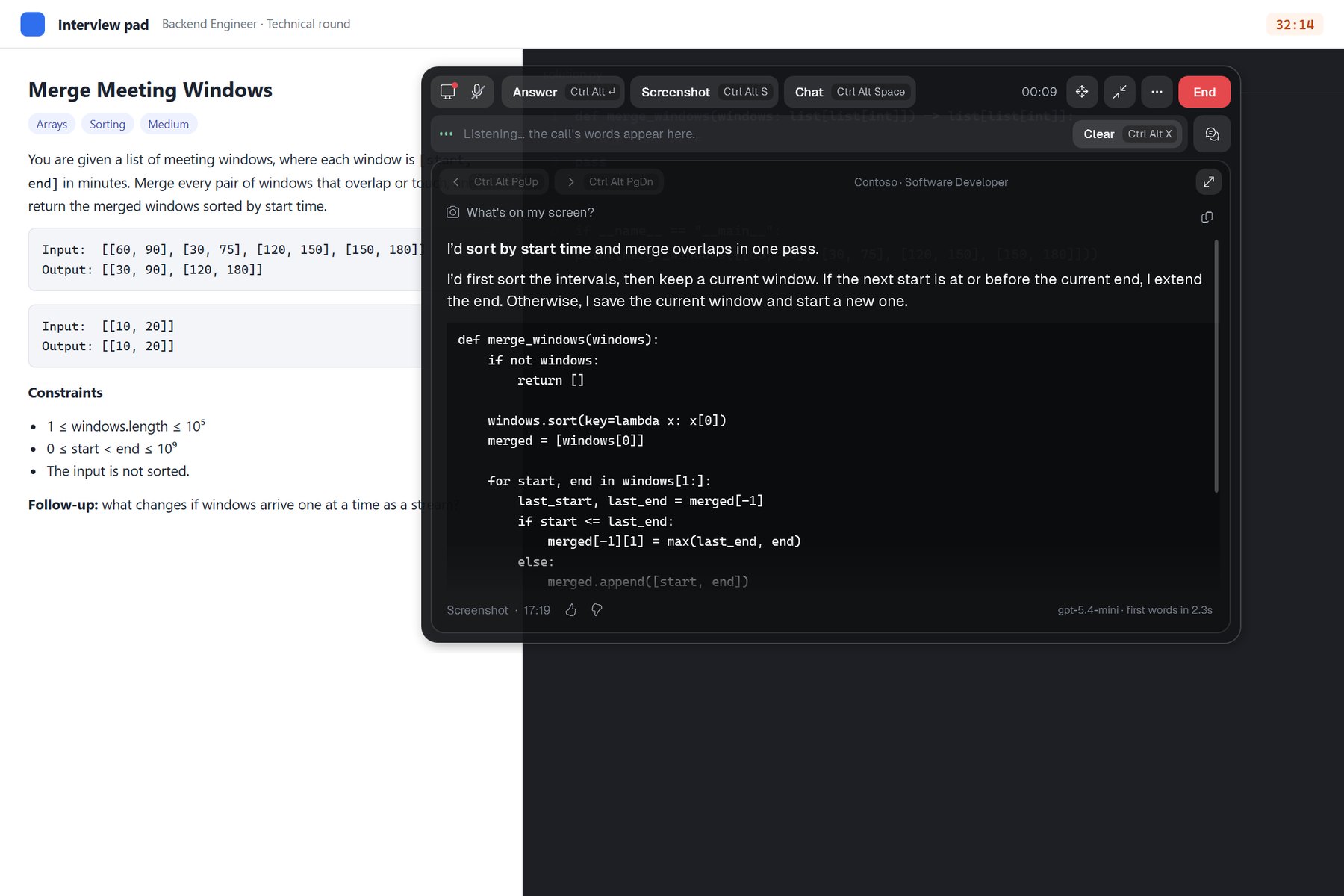
Windows lets an app mark any of its windows as excluded from capture, through an API called SetWindowDisplayAffinity with the flag WDA_EXCLUDEFROMCAPTURE. The window is still drawn on your monitor, but when something asks Windows for a picture of the screen, Windows composes that picture without it and shows what is behind instead. It's the same mechanism password managers and presenter-notes apps use, and it needs Windows 10 version 2004 or later.
Because the exclusion happens inside Windows' compositor, the call app doesn't need to cooperate or even know about Peekaboo. Zoom, Teams, Meet in a browser, Webex, OBS and the Snipping Tool all receive the same picture with Peekaboo left out.
What it covers
- Every Peekaboo window. The overlay, the dashboard, the practice room and the meeting prompt.
- Menus, tooltips and dialogs. These are separate windows in Windows, so a shield on the main window alone would let a tooltip or a file dialog slip into a share. Peekaboo shields each window as it is created, before it is ever shown.
- The taskbar and Alt+Tab. The overlay stays out of both. Ctrl Alt H or the tray icon brings it back.
- Its own screenshots. When you press Screenshot, the picture sent for the answer doesn't contain Peekaboo either.
How we test it
Every build runs automated tests that put a solid green window behind Peekaboo, capture the screen with the three capture paths Windows offers, and measure how much of the green comes through where Peekaboo is:
- GDI (
BitBlt), the classic screenshot path. - DXGI Desktop Duplication, used by many recorders and remote-desktop tools.
- Windows.Graphics.Capture, the modern API that browsers and call apps use for screen sharing.
The tests require more than 90% of the backdrop to come through Peekaboo's area with the shield on, and less than 10% with it off, so we know the measurement itself works. The same check runs against the real app, with a real OpenAI answer on screen, and against the dashboard, menus and tooltips.
What it can't do
Capture exclusion is about pictures of your screen made by software on your PC. Be clear about what it isn't:
- It can't hide anything from a camera pointed at your monitor, or a person in the room.
- On Windows versions before 10 (2004), Windows can only black the window out in captures, and Peekaboo tells you so.
- Hardware capture devices that record the video signal leaving your PC see everything your monitor shows.
- It doesn't hide that Peekaboo is installed or running. It isn't designed to get around proctoring or monitoring software, and you should follow the rules of the interview you're in.
Your data
Peekaboo has no account and no cloud of its own. Sessions, transcripts, notes, resumes and documents are stored on your PC. Speech is streamed to OpenAI for transcription while it's spoken and is never saved. Your OpenAI key is encrypted for your Windows user account and only ever sent to OpenAI.