Can the interviewer see Peekaboo when I share my screen?
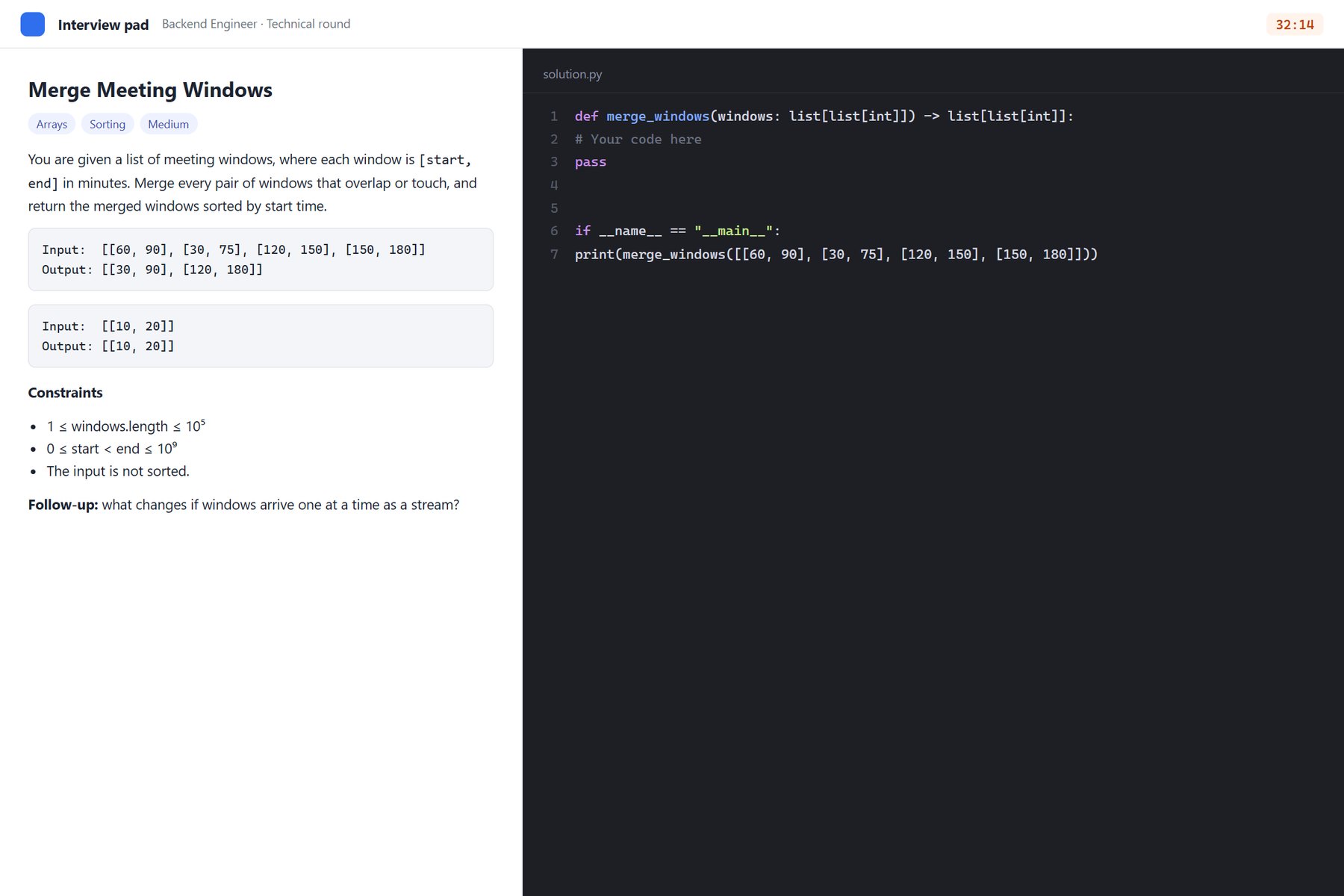
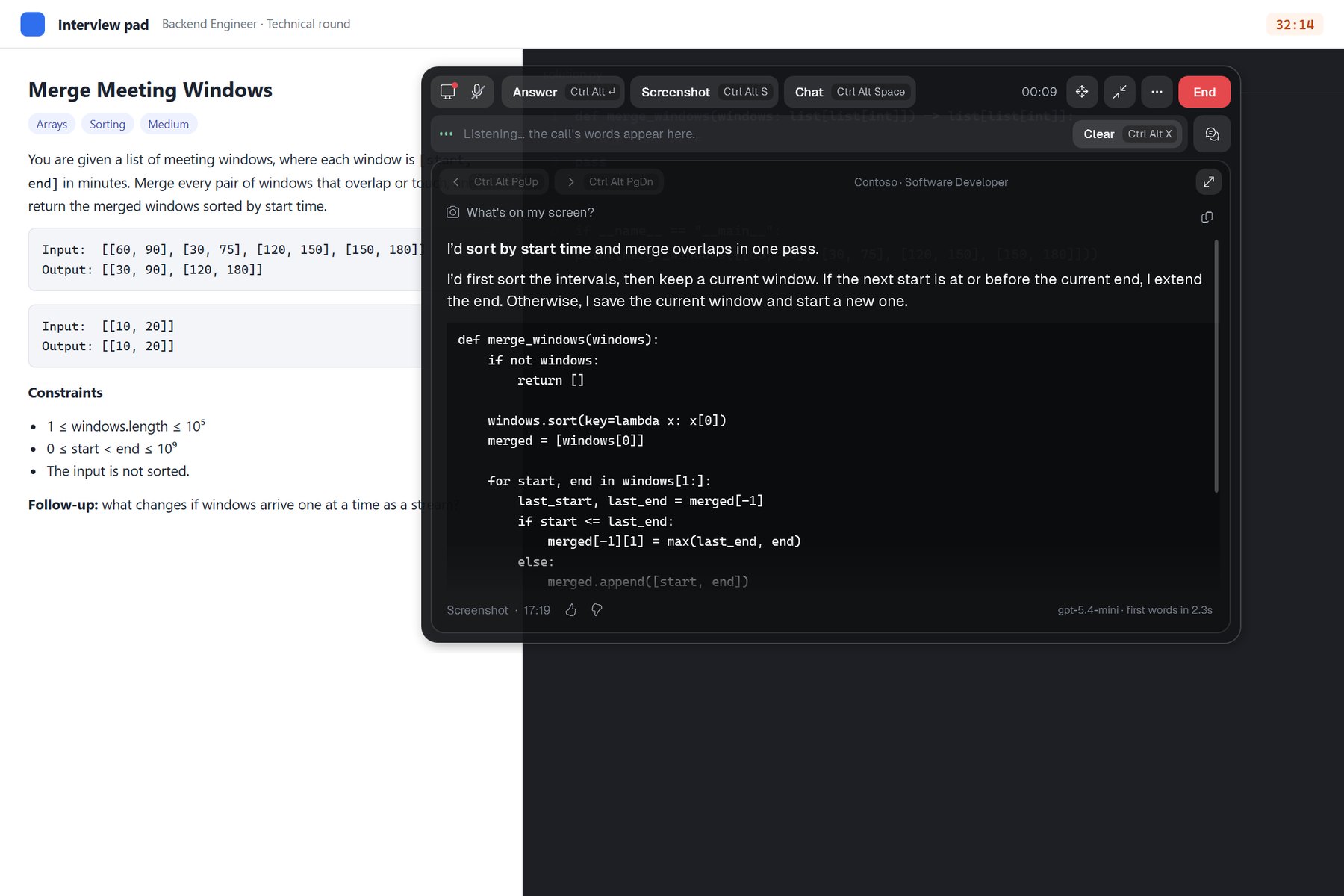
No. Peekaboo asks Windows to leave its windows out of every capture (the same mechanism password managers use). Screen shares, recordings and screenshots show what's behind it; only your monitor shows Peekaboo. It needs Windows 10 version 2004 or later.
Which call apps does it work with?
Any app whose audio you hear on your PC: Zoom, Teams, Meet, Webex, Slack, Chime, Discord, or a phone call through your PC. Peekaboo listens to your speakers or headset, so nothing needs to be installed in the call app.
How much does it cost?
Peekaboo is free. It uses your own OpenAI API key, so you pay OpenAI directly for transcription and answers. A typical hour-long interview costs around a dollar or less with the default models.
Does it handle coding and system design?
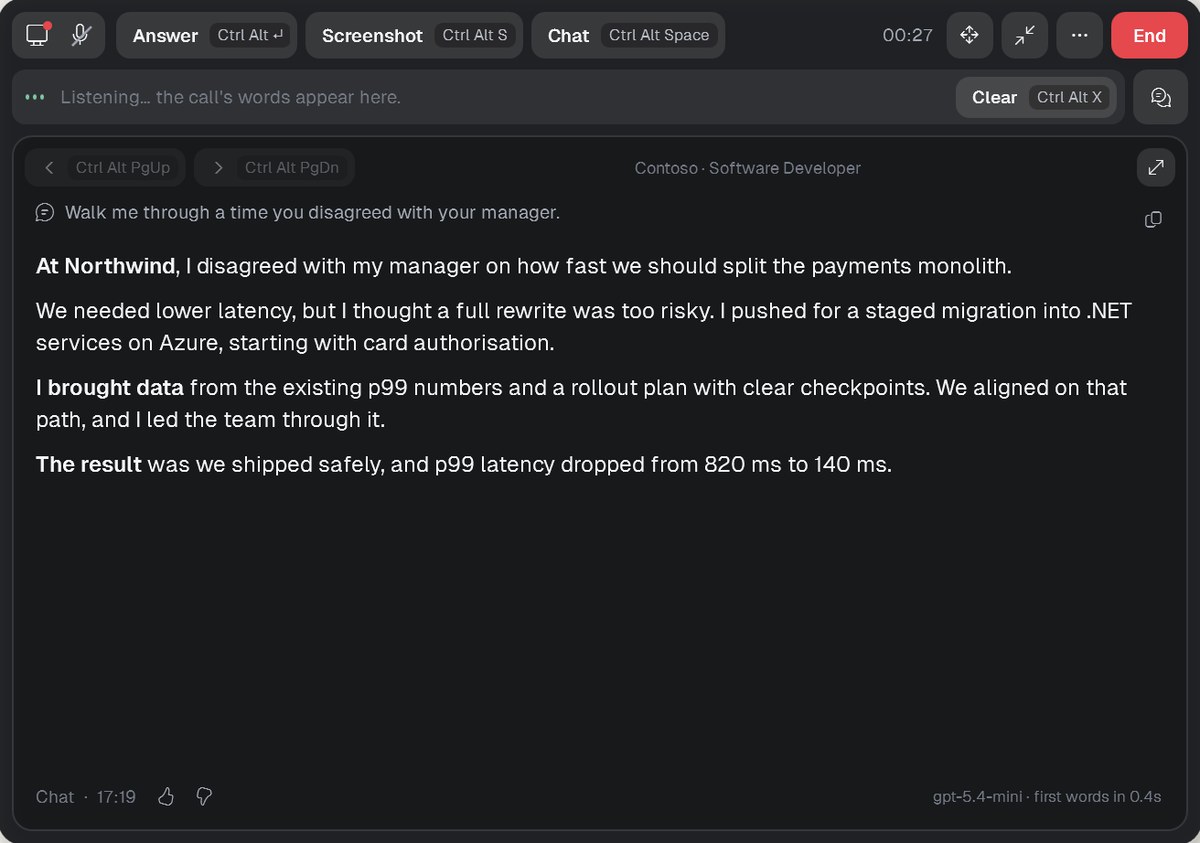
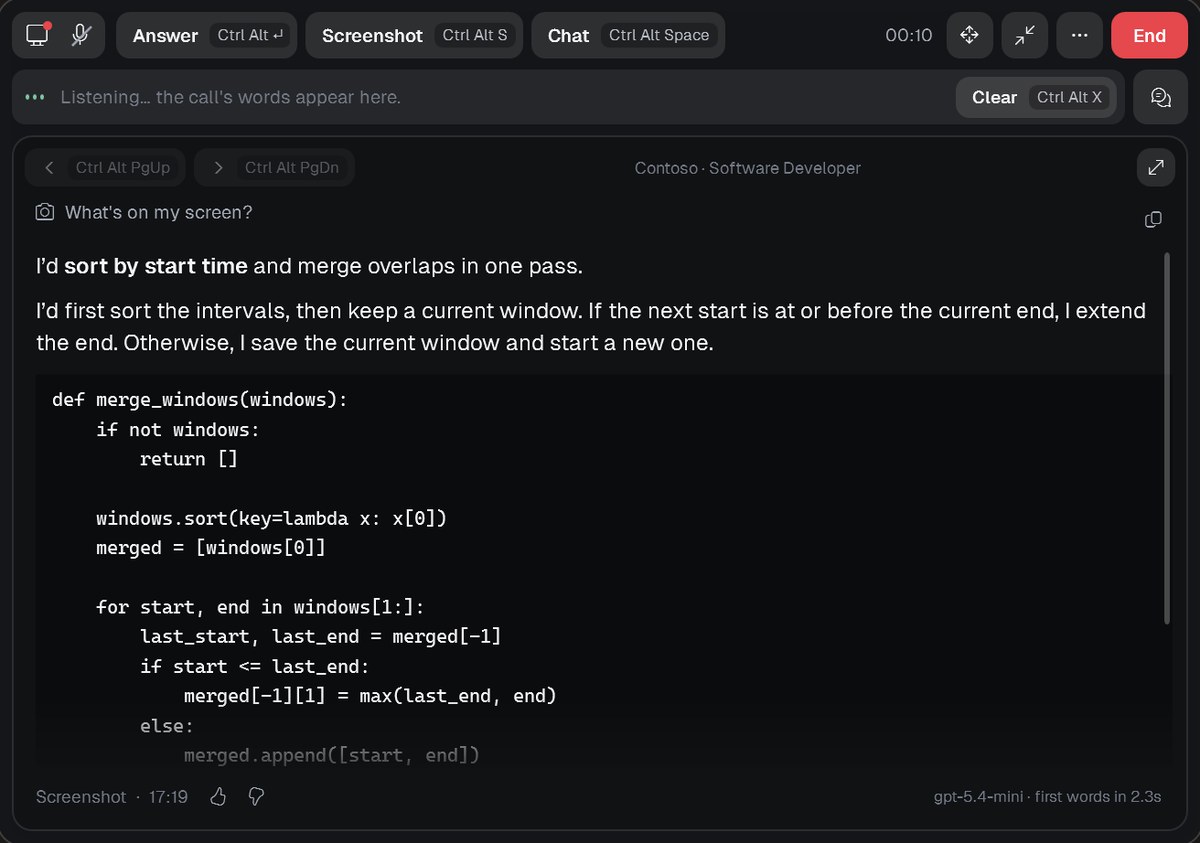
Yes. Technical questions get the approach, code in a block, and time and space complexity; system design answers go requirements, components, data model, scaling and trade-offs. Press Screenshot to have it read a problem shared on screen.
Will it make things up?
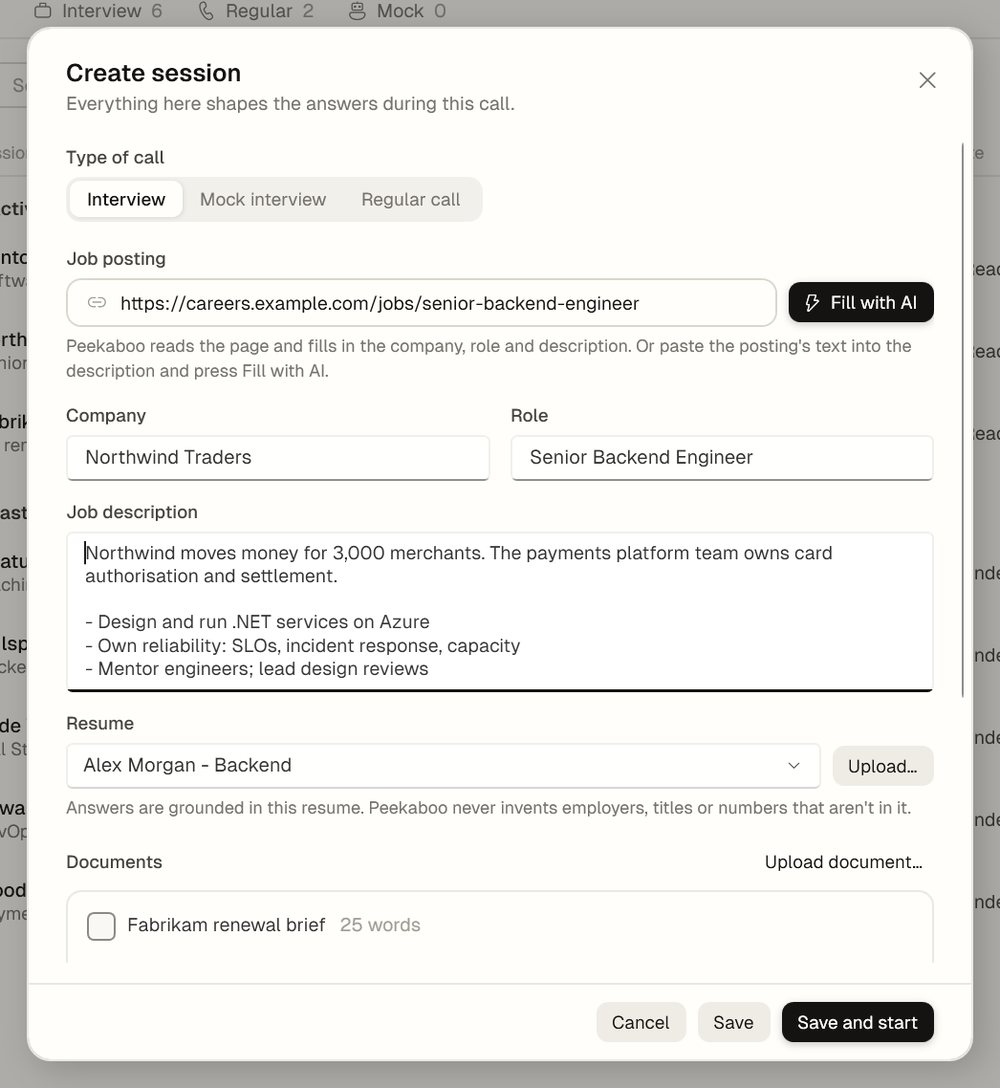
It's instructed to use only your resume, the job description and your documents for facts about you, and never to invent employers, titles, dates or numbers. Without a resume it speaks in general terms you can fill in.
Can I give it instructions?
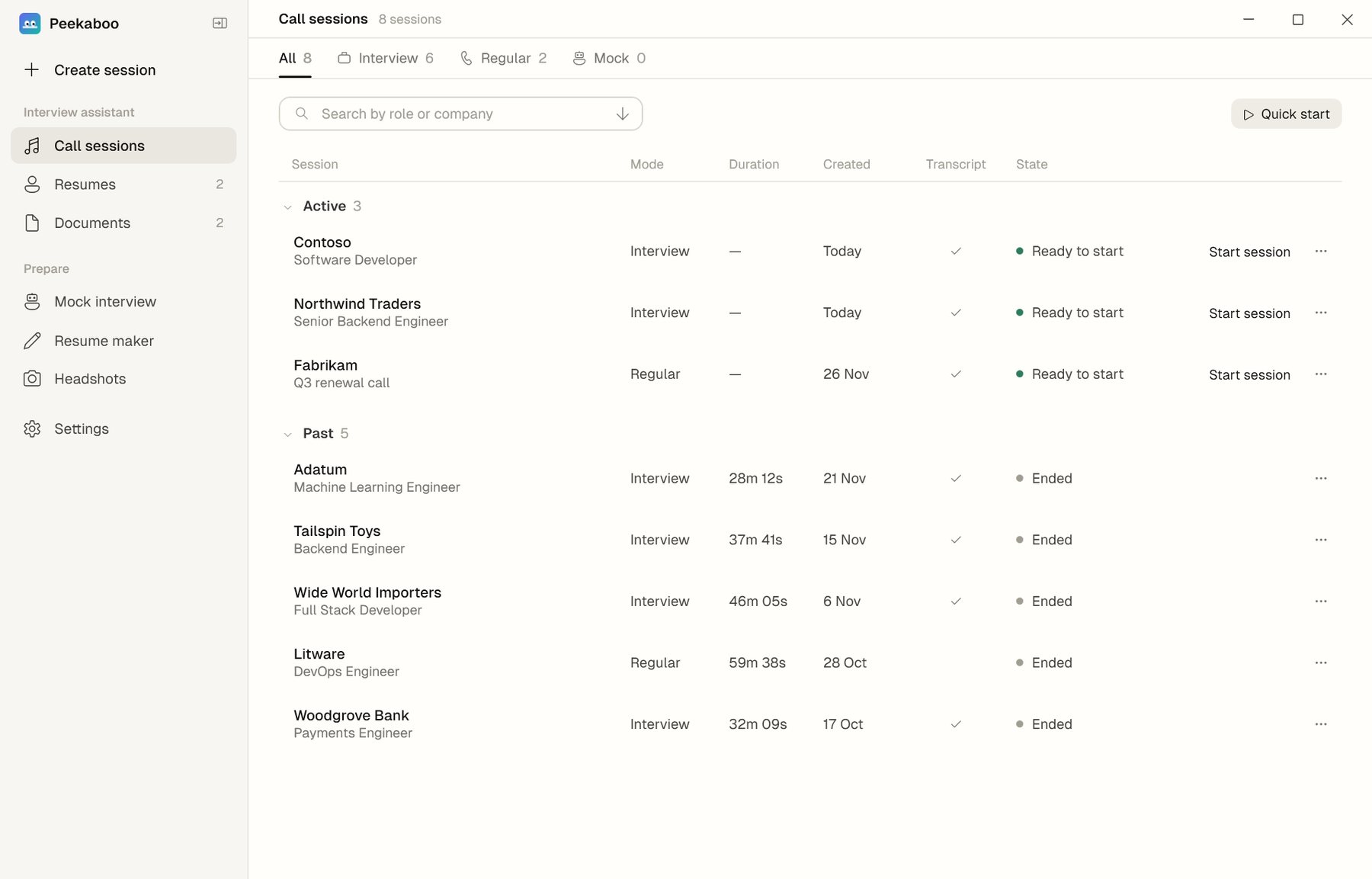
Each session has its own instructions: keep answers casual, mention a certification, prefer C# for coding. You can also pick short, medium or detailed answers, and the language.
Where does my data go?
Speech streams to OpenAI for transcription while it's spoken and is never saved. Sessions, transcripts, notes, resumes and documents stay on your PC. Your key is encrypted with Windows DPAPI for your account.
Does it need my microphone?
No. It listens to the other side through your speakers. You can also let it transcribe your microphone so answers follow both sides of the conversation; use headphones for that.
Is there a Mac version?
Not yet. Peekaboo is a Windows app today.